Your full workspace
Console, chat, players, an expanded zoomable map, performance and population graphs, moderation, permissions and plugins in one dedicated window.
YOUR COMMUNITY. EVERYWHERE.
A dedicated desktop workspace for your Rust servers. Add the optional Enhanced Plugin when you want deeper player intelligence and performance telemetry.
 RUSTRCON 1.2.1Demo Data

01 / Windows · Per-user installer
The desktop client uses the same secure website and server-side access checks. It does not connect directly to RCON or keep a separate copy of your server passwords.
Console, chat, players, an expanded zoomable map, performance and population graphs, moderation, permissions and plugins in one dedicated window.
Sign in with your RUSTRCON account. An active plan, eligible trial or authorized staff access to an owner-funded server is required for protected features.
Internet access is required. Your VPS worker continues monitoring when the app is closed. Manage billing and external sign-in flows in your browser.
02 / Rust Plugin
Basic RCON works without a plugin. RUSTRCON Bridge adds signed server events and on-demand tools that ordinary RCON cannot reliably provide.
RUSTRCON BridgeHTTPS · HMAC · Queued delivery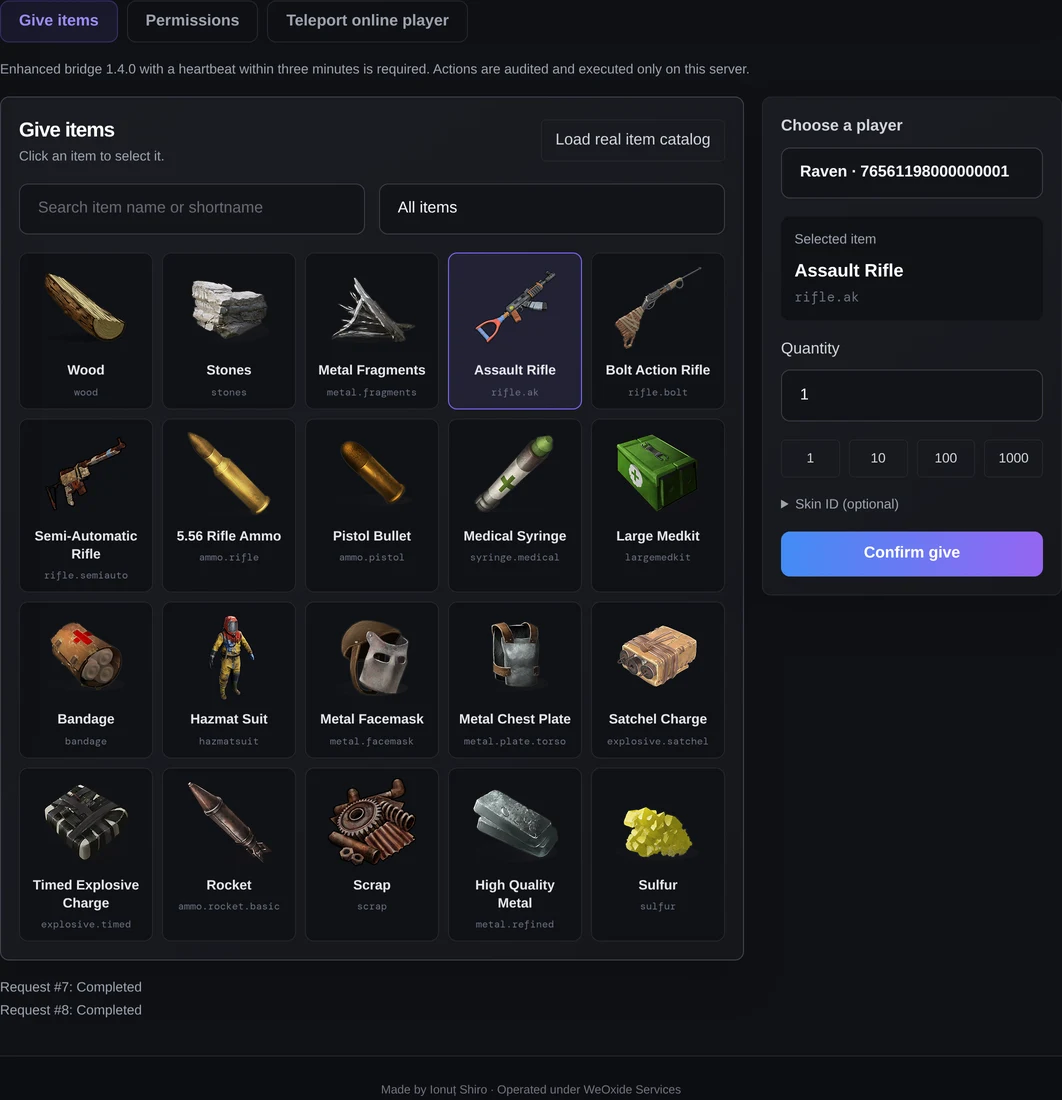
Requires a Rust server running compatible Oxide/uMod. Carbon support must be verified on your installation. Always back up your existing plugin and config before updating.
Upload RustrconBridge.cs to oxide/plugins/, not to your website or monitoring VPS. Wait for the plugin to create oxide/config/RustrconBridge.json.
In your server panel, open Operations → Connector and generate credentials. Copy the HTTPS endpoint, connector ID, shared HMAC secret and server UUID into the plugin config. Never put your RCON password there.
oxide.reload RustrconBridgeCheck the game console for compiler errors, then confirm the connector heartbeat in RUSTRCON. Saved configuration remains separate from the plugin source.
Sensitive telemetry is opt-in. Enable only what your staff need and your privacy policy permits. The plugin does not decide guilt or automatically permanently ban players.
WHY ARE FOUR GRAPHS EMPTY?
Frame time, managed heap, garbage collections and timer delay come from the bridge, not serverinfo. They stay empty until performance events arrive. Existing history is not backfilled.
Set these fields in oxide/config/RustrconBridge.json, preserving your connector credentials and other settings:
"Enable performance telemetry": true,
"Performance sample interval seconds (minimum 30)": 60,
"Enable cumulative plugin profiling (Oxide only)": true
Reload the bridge. Allow one 60-second sampling interval plus queued delivery time, then check Server performance. Profiling is optional and separate; unsupported counters remain unavailable. Bridge samples are retained for seven days.
No. Website and desktop use the same RUSTRCON access rules. Downloading the client does not grant a subscription or bypass server permissions.
The desktop app will not run while your PC is off. Your server monitoring, command worker and scheduled operations continue on the hosted backend.
No for basic RCON. Yes for enhanced inventory, giving, permissions, position and performance features. Individual capabilities can be disabled in the bridge config.
Download the latest desktop executable from this page. There is no automatic updater yet. For the bridge, back up the old source, replace the .cs file and reload; keep your existing config and secrets.